Audit log
To open the audit log, click the icon next to Project settings & subscription in the project area and select Audit Log.
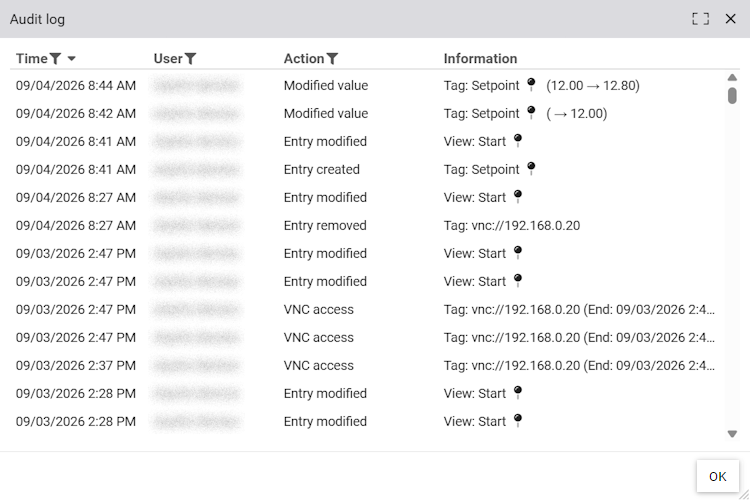
The audit log records all relevant user activities. This includes changes to the project, such as creating, editing, or deleting views and tags, as well as assigning project permissions. Writing to tags is also logged, along with any manipulation of recorded values. All remote access sessions via VPN, VNC, camera, or visualization are logged, as these can lead to changes in the system. In addition, an entry is created whenever alert instances or completed tasks are deleted.
If multiple records are affected, the icon is displayed. Clicking it opens the individual records in a separate dialog.
Clicking the icon takes you directly to the affected element.